I'm an IT guy, not a game critic, so I didn't just pick my favourites. I pulled this year's sales charts (Circana's U.S. monthly and year-to-date rankings, plus Nintendo's own quarterly sales figures), read through the "best games for kids" lists parents and gaming sites have been publishing all year, and checked what players themselves are saying through community review scores. Then I kept the games that show up in more than one of those places. If it's selling well and parents like it and kids won't be bored of it by Boxing Day, it made the list.
Two things before you shop. First, check which machine your kid actually has, because in 2026 that matters more than ever: eight of these ten games run on the Nintendo Switch 2, and only two run on the original Switch. Second, look at the rating on the box. Every pick here is rated E (Everyone) or E10+ (Everyone 10 and up), and I flag which is which, because a six-year-old and a twelve-year-old are shopping in very different aisles. Prices are Canadian and current as of late September 2026. Console prices have already gone up this year, so double-check before you buy.
Honourable mentions: Nintendo Switch Sports Resort (October 22, also sold in a $724.99 Switch 2 bundle) is a great "get the grandparents playing" game. Super Mario Party Jamboree and Kirby Air Riders have each sold over a million copies on Switch 2 and are solid picks for party-game households.
IF IT WERE MY MONEY
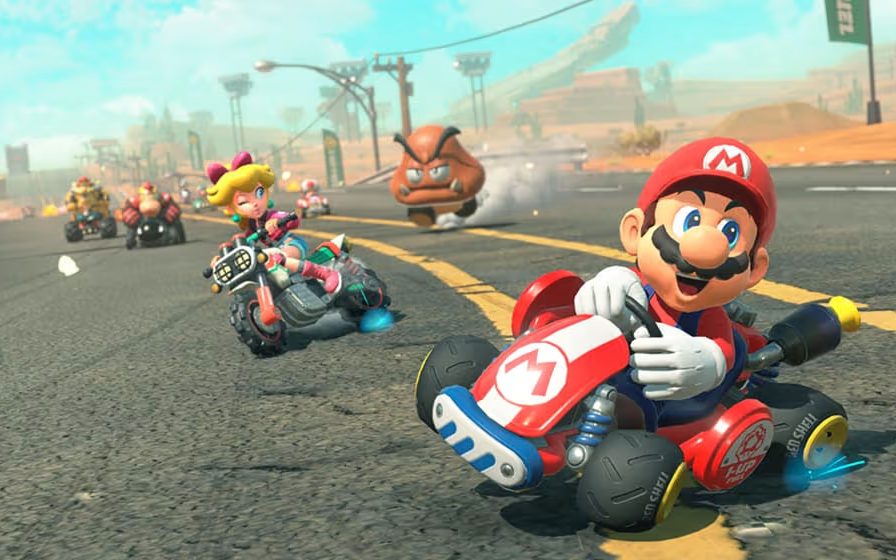
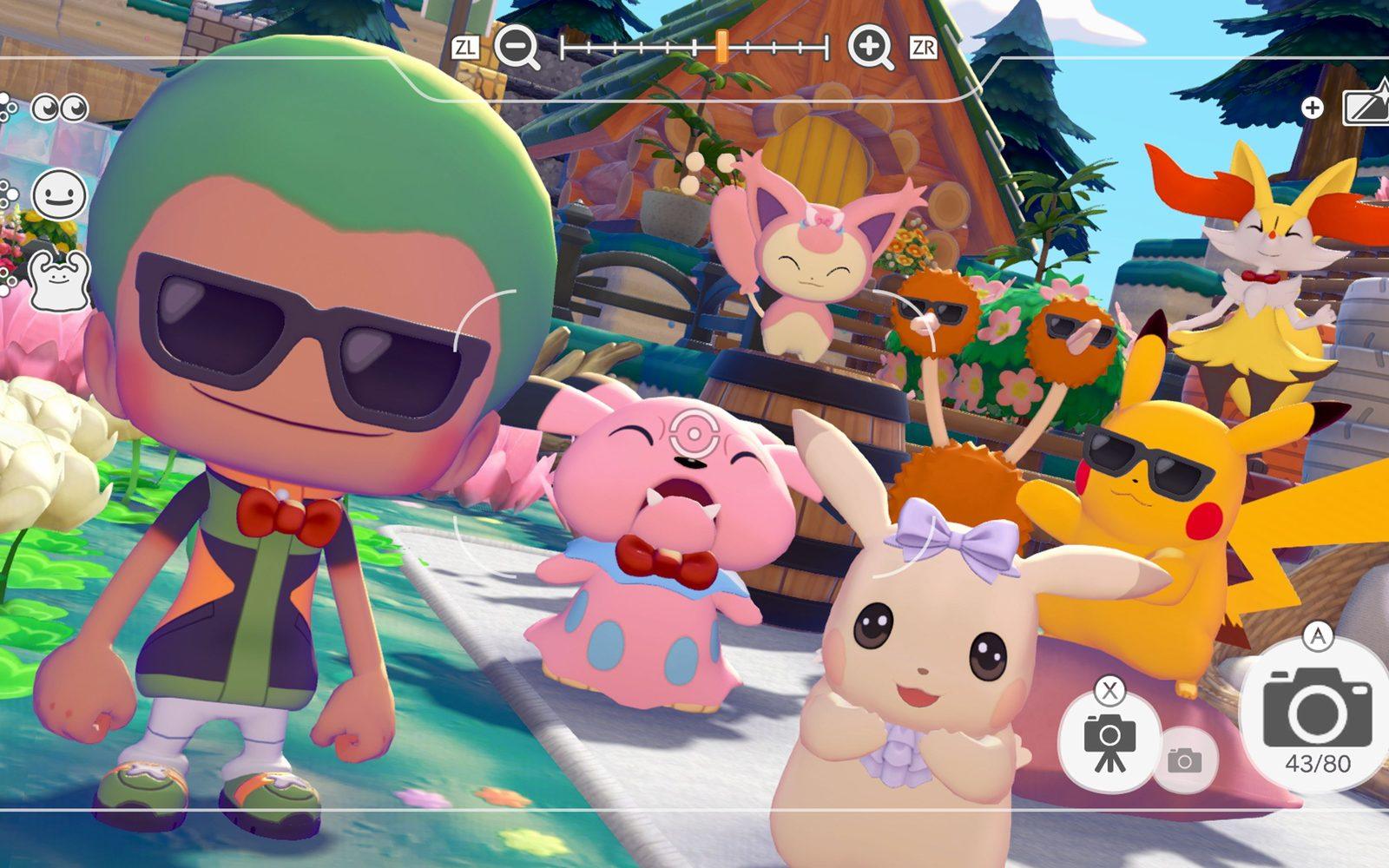
One kid, under 12, one gift: the Switch 2 Mario Kart World bundle, plus Pokopia or Tomodachi Life depending on the kid. At $80 per playable pick nothing else on this list comes close, and it's the machine the other kids at school have.
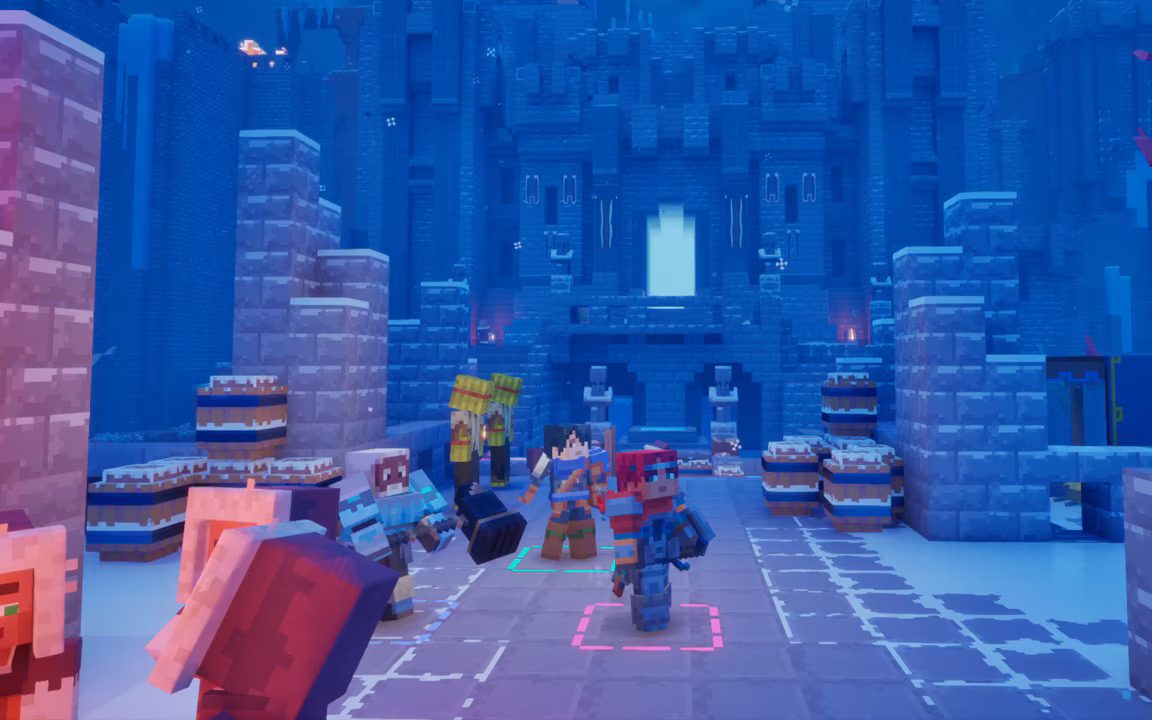
Tight budget: an Xbox Series S and Minecraft Dungeons II. It's the lowest price of admission in Canada right now, and it's a real current-generation console, not a compromise.
Teenager: the PS5 Digital, though I'd feel better about it at last year's $579.99. A 29% price jump five years into a console's life is hard to defend. Buy it for the friends-online factor, not for this list.
What I'd skip as a gift: the PS5 Pro, the Steam Machine, and any "gaming laptop" under about $1,000 that doesn't list a dedicated graphics card on the spec sheet. Those last ones turn into service calls.
What about the older Switch? Its price isn't changing, and it still plays Tomodachi Life and Minecraft Dungeons II from this list. But almost everything new from Nintendo is Switch 2 only now, so I wouldn't buy a brand-new original Switch in 2026 unless the budget really can't stretch. If your kid already has one, great, that's two picks right there.
What about Valve's new Steam Machine? Lovely hardware. It also starts at $1,509 in Canada. That's not a kid's gift, that's a car payment.
And the "free" games? Fortnite and Roblox cost nothing to download, which is exactly how they make their money. Before handing over any of these machines, take ten minutes and set up the parental controls: the Nintendo Switch Parental Controls app, Xbox Family Settings, PlayStation's Family Management, or Microsoft Family Safety on a PC. Set a spending limit (or zero), decide who they can chat with, and set a daily time limit if you want one. Do it on Christmas Eve, not on December 27th while you're looking at the credit card statement.
If you'd rather not spend Christmas Eve figuring out account settings, that's literally my job. I set up family PCs, consoles, parental controls and home networks all over Toronto and the GTA, and I'm happy to make sure the thing under the tree actually works on Christmas morning.
 📷 Drop photo in assets/images/blog/xmas-games-break-money.jpg
'TWAS THE NIGHT BEFORE CHRISTMAS
Your Christmas Eve checklist
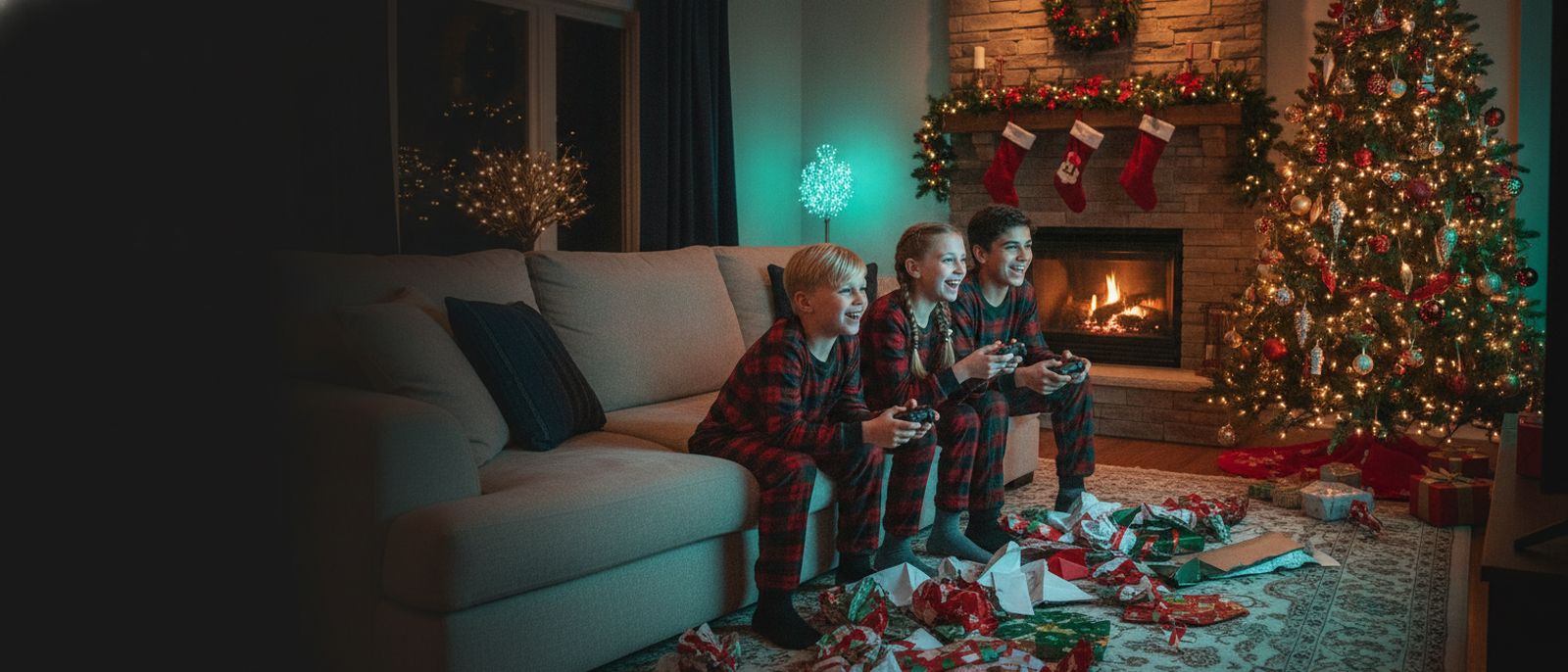
Here's the dirty little secret of Christmas morning: the new console doesn't work the second you plug it in. It wants a system update, then the game wants an update, and millions of other kids are downloading the exact same thing at 7 a.m. on the 25th. That's how you get a crying eight-year-old staring at a progress bar while the cinnamon buns go cold. So play Santa's elf the night before.
1. Unwrap it, update it, rewrap it. Yes, really. Plug it in after the kids are asleep, run every system update, then download the games. The Mario Kart World bundle comes with a digital code, not a disc, so redeem it now. Then put it all back in the box. Nobody will know. Santa's workshop has Wi-Fi too.
2. Set up the kid's account and parental controls. Spending limits, who they can chat with, daily time limits. Ten minutes tonight saves you a very awkward conversation with your credit card in January.
3. Charge every controller. A dead controller at 6:45 a.m. is how a Christmas miracle turns into a Christmas meltdown. Grab a pack of AA batteries while you're at it. Something in the house will want them.
4. Check the TV has a free HDMI port and that you know where the remote is. If the TV is older than the kid, test that too.
5. Hide the gift receipt somewhere smarter than the junk drawer. Kids find the junk drawer.
Do all that, and Christmas morning is paper, squealing and Mario Kart by 7:05. And if you'd rather not play elf until 1 a.m., call me. I'll happily set it all up before the big day.